
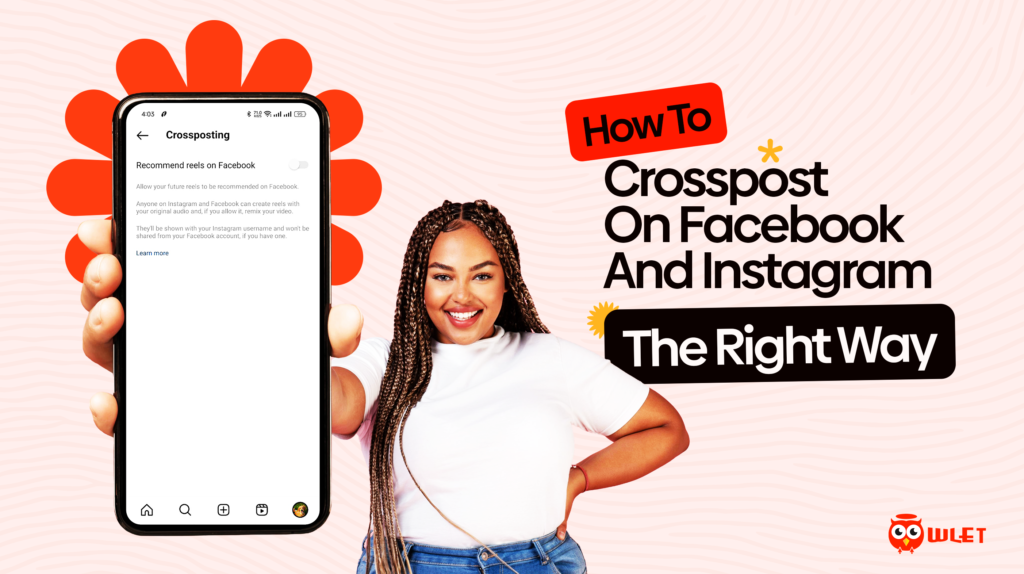
Crossposting has become one of the most underrated growth strategies for creators, influencers, and business owners who want to maintain visibility without doubling their workload. With so many platforms demanding constant content, learning how to crosspost intelligently can save time, boost consistency, and help you maintain a cohesive brand presence online.
How to crosspost effectively means understanding how each platform behaves. Crossposting is not just about duplicating content; it is about adapting one piece to perform well across both platforms. When you know how to crosspost the right way, you streamline your workflow and maximize the reach of every post without sacrificing quality or engagement.
For creators, brand owners, and social media managers who live chronically online, crossposting is a smart way to maintain a steady content flow. In this guide, we will explore how to crosspost between Facebook and Instagram in a way that feels natural, stays algorithm friendly, and supports your long term growth.
Why Crossposting Matters for Creators, Influencers, and Businesses
Crossposting is more than duplicating content, it helps you stay visible where your audience spends the most time. Many businesses still treat Facebook and Instagram separately, but Meta has made this easier than ever by connecting Facebook and Instagram, but many users still struggle to apply the method correctly.
Meta’s deep integration means you can maintain a unified brand story across both platforms with less effort.
Research from Buffer and Shopify shows that brands who crosspost consistently often see higher engagement because their content reaches distinct audience segments. Facebook audiences are often older, community oriented, and more responsive to text heavy content, while Instagram users prefer visual storytelling, reels, and fast paced content. Crossposting allows you to stay relevant on both fronts.
When you understand how to crosspost strategically, you save time, increase your reach, and stay consistent without stretching your creativity thin.
The Basics of How to Crosspost on Facebook and Instagram
Before you learn how to crosspost like a pro, you need to understand how Meta’s connection works. Facebook Pages and Instagram Business Accounts can be linked through Meta Business Suite, allowing you to publish content to both platforms at once. But crossposting does not automatically guarantee performance, platform behaviour must still be respected.
Crossposting requires adapting content to match each platform’s tone. For example, what works on Instagram might need a slight caption adjustment for Facebook. Understanding how to crosspost in a way that still feels native is what separates successful creators from those who post randomly and hope for results.
Meta’s tools make crossposting simple, but your strategy is what makes it effective.
How to Crosspost Using Meta Tools
Meta has built various features that make crossposting seamless. They include Meta Business Suite, the Instagram app, and the Facebook Page tools.
If your goal is convenience, native crossposting is the easiest method. It allows you to publish one post that automatically appears on both platforms while keeping formatting clean.
How to Crosspost from Instagram to Facebook
- Open Instagram
- Create a post or reel
- Scroll down to Sharing Options
- Toggle “Share to Facebook”
- Post normally
How to Crosspost from Facebook to Instagram
- Open Meta Business Suite
- Create a post using the content creation tool
- Select both Facebook and Instagram
- Adjust captions separately if needed
- Publish
Native tools are perfect when learning how to crosspost for the first time. They save time, maintain consistency, and ensure the platforms receive technically correct versions of your content.
When to Use Third Party Tools for Better Crossposting Workflow
Native tools are great, but sometimes creators and SMM managers require more control. Third party tools offer scheduling, automatic resizing, performance tracking, and more advanced editing features.
If you manage a brand, run multiple accounts, or work with content planning, third party tools can help you refine how to crosspost without losing quality.
Popular Tools
- Buffer
- Hootsuite
- Later
- Metricool
- Plann
Why They Work
These tools help you:
- Resize videos
- Adjust aspect ratios
- Optimize captions
- Create platform specific hashtags
- Track performance across both platforms
Third party tools allow you to crosspost with intention rather than convenience. They ensure each platform gets a polished version of your content while keeping the workflow organized.
Best Practices to Maintain Post Quality Across Both Platforms
Crossposting only works if the content still feels native. What works for one platform may underperform on the other.
To maintain quality, you must always consider the platform’s preferred content style. Instagram is visual first. Facebook is community first.
Best Practices on how to Crosspost
- Adjust captions to fit platform tone
- Use different CTAs depending on platform culture
- Avoid Instagram style hashtags on Facebook
- Keep text light on Instagram but detailed on Facebook
- Resize images and videos to fit each platform
Knowing how to crosspost effectively means respecting each platform’s style. When you tailor your content slightly, crossposting becomes more strategic and less repetitive.
Common Crossposting Mistakes and How to Avoid Them
Even experienced creators make mistakes that affect their crossposted content.
The goal of learning how to crosspost is to make your content work everywhere and not feel forced.
Common Mistakes are:
- Forgetting to adjust captions for each platform
- Leaving broken links in Instagram captions
- Ignoring Facebook’s community centered nature
- Posting horizontal content without formatting
- Using too many hashtags on Facebook
- Overusing automated sharing without edits
Avoiding these mistakes helps your crossposted content feel polished. When done right, crossposting becomes an advantage, not a shortcut.
How to Track Performance After You Crosspost Content
Crossposting is only effective when you track what works. Performance varies across platforms, and understanding how to crosspost successfully means learning how each audience behaves.
What to Track
- Reach
- Engagement rate
- Saves (Instagram)
- Shares (Facebook)
- Watch time (Reels vs. Videos)
- Click through rates
Tracking ensures you are crossposting with purpose. When you know what works, you can improve your strategy and double your results with less effort.
CONCLUSION
Crossposting is one of the most powerful ways to streamline your content strategy, especially when you are managing multiple platforms at once. When you understand how to crosspost in a thoughtful, platform aware way, you stretch your content further without compromising on quality or engagement. It keeps your brand consistent, helps you stay visible, and saves you countless hours of content creation time.
The Owlet makes it easier to strengthen your reach with high quality likes and views that support your growth strategy. With the right mix of smart distribution and reliable engagement support, your content can travel farther and get discovered by even more people.
If you want to take your visibility further, Owlet’s article on 7 Ways to Reach Your Target Audience on Instagram offers an incredibly useful breakdown of how Instagram’s discovery system works. It pairs perfectly with your crossposting strategy and gives you practical steps to strengthen your reach while keeping your content audience centered.
At the end of the day, learning how to crosspost correctly is not about shortcuts, it is about strategy. When you combine consistency, adaptability, and visibility support tools like Owlet, your content travels further, reaches more people, and builds a stronger digital presence across platforms.